
More scans with Full
Full is planned for 8 AI scans each month per target. Pool them across subscribed targets; fix-verification re-scans do not count.
AI agents test web apps and APIs you’re authorized to assess. Review validated findings with evidence and fix guidance, then request verification after a fix.
A root agent studies your application first, the way an attacker would.
Specialist agents focus on the relevant parts of your application, including access controls and inputs. The scan runs within the scope you authorize, and potential findings are checked before they reach your team.
Validated findings include evidence and guidance for your next fix. Severity reflects the issue itself, and a scan can finish without a validated finding.
Open findings
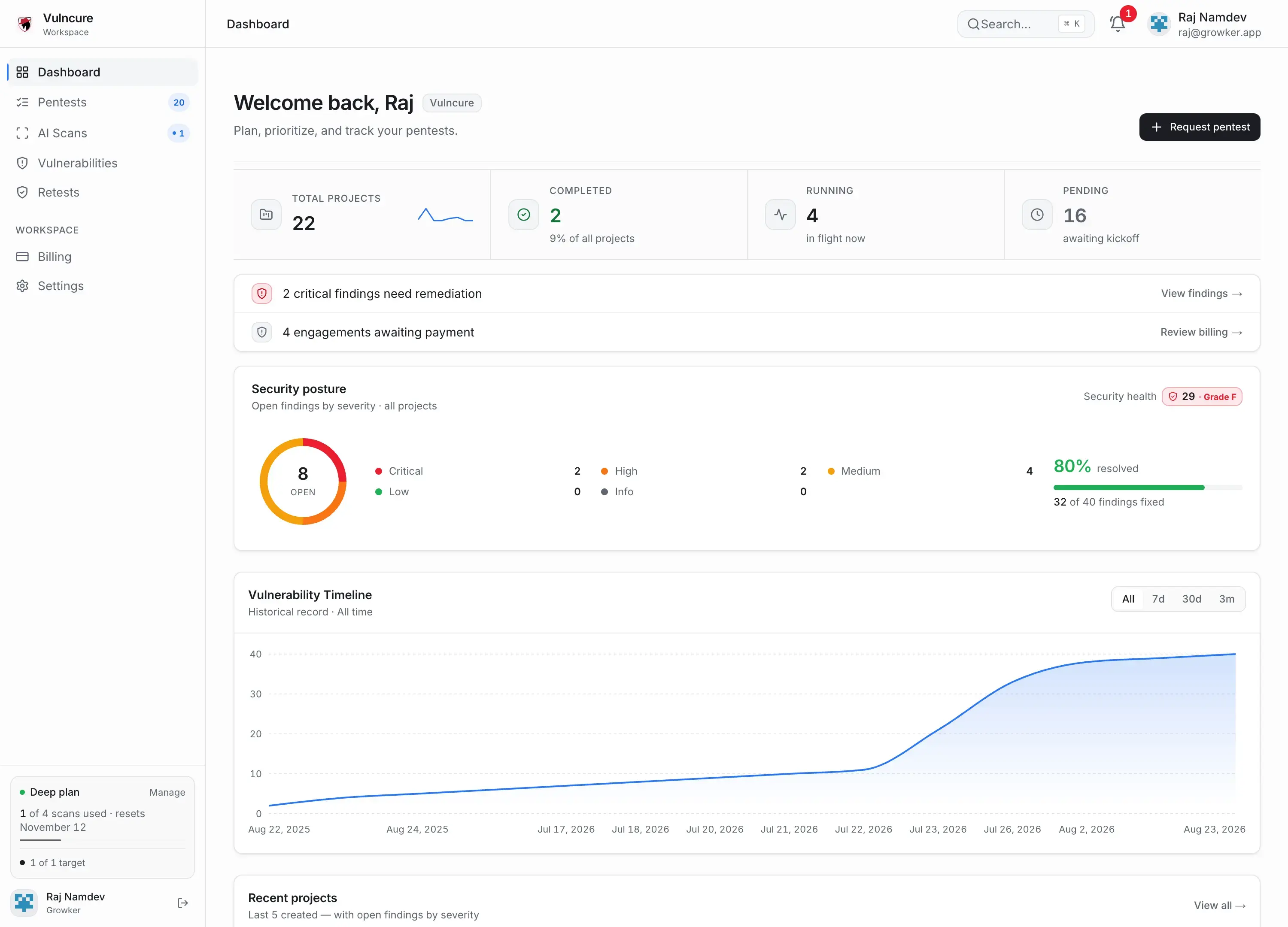
Remediation progress
80%marked fixed
32 of 40 findings
Marked fixed and verified are tracked separately.
Illustrative workspace data · 40 findings, with 8 still open
Findings from AI scans and manual pentests in one workspace.
See what's still open and which fixes have passed verification.
Verification is recorded per finding after a passing retest.
Full is planned for eight AI scans per month per target, access to Deep mode, and unlimited seats. GitHub-connected fix PRs are planned for a later release.
More scans with Full
Full is planned for 8 AI scans each month per target. Pool them across subscribed targets; fix-verification re-scans do not count.
Deep mode in Full
Deep mode is available on Deep and planned for Full. It tests deeper attack paths and business-logic issues.
Unlimited seats planned
Full is planned to include unlimited workspace seats for your team.
Autofix (coming soon)
GitHub-connected fix PRs are planned for Full. This feature is not available yet.
Availability
Full is in early access
Planned price
$299/mo or $2,870/yr, USD
Findings
Validated evidence + fix guidance
After a fix
Request verification
The report helps your team understand what was tested, what was validated, and what to do next. A scan can also finish without a validated finding.
01
Review the evidence
See the affected part of your application, severity, and evidence for a validated finding.
02
Make the fix
Use the remediation guidance to address the issue in your own code and workflow.
03
Verify the result
Request a re-scan of a fixed finding and review whether the change passed verification.
Vulncure is designed to test authorized web applications and APIs. The agents explore the available application, test potential vulnerabilities, and validate findings before reporting them. Results depend on the scope and access you provide.
The scan record includes its progress and reported findings. Validated findings include evidence, a severity assessment, and remediation guidance. Your team can review the result, make a fix, and request verification.
Planned tiers include Lite with 2 scans per month per target, Deep with 4, and Full with 8 while Full remains in early access. We will confirm pricing and available access in the launch email. Re-scans of fixed findings do not use the monthly allowance.
A scan with no validated findings is still a useful record of the testing performed. It does not establish that the application is secure; review the scope and access used alongside the result.
Yes. Manual web application pentesting is a separate Vulncure service. If a customer or auditor asks for a particular assessment or document, confirm that requirement before choosing a service.
The current signup and launch-list forms accept work addresses and reject common public or disposable email providers. Testing also requires authorization for the target application.
The manual web application pentest is a separate flat-fee engagement with scoping, a kickoff call, testing, a technical report, and a remediation retest.
One email when the AI platform opens, with availability, pricing, and how to get started. Joining is free and does not create an account or start a scan.
An application you are authorized to test and a defined scope. The setup flow will explain verification and any supported access configuration before a scan begins.
No. The list is for the launch announcement. We will explain available access in that email.
One email when access opens: what's available, what it costs, and how to start. Joining is free and does not create an account.